Home » Blackjack
Play Blackjack on FOMO7 & Win Big Daily
FOMO7 Blackjack Game
Blackjack is one of those strategic card games. It is a live dealer game with exciting payouts for various bets in each round. Playing the Blackjack game on FOMO7 is worth your time and money as the game offers high rewards and a satisfying gaming experience.
Game Providers
Evolution, BetGames, Ezugi, Mplay
Minimum Bet Amount
₹100
Multiple Bets (per round)
Available
Chat
Available
Demo Mode
Available
How to Play Blackjack on FOMO7
Finding Blackjack and playing the game on FOMO7 is easy. Here are the complete steps on how to play Blackjack on FOMO7:

step 1
Log in to the FOMO7 app with your username and password.

step 2
Hover your cursor on the Casino tab on the FOMO7 homepage.

step 3
You will be able to see various Blackjack games from different providers and variants. Tap on any one of them.
Blackjack Rules
In Blackjack, outsmarting the dealer without exceeding 21 is the main objective. The dealer will deal two cards on the player’s side face up (revealing the number). However, the dealer deals one card face up and the other face down (not revealing the number) on his side.
If your hand value exceeds 21, you will go bust and lose the bet. Meanwhile, you win if your hand value is 21 on your first two cards or having a higher hand value (not exceeding 21) than the dealer’s hand value.
The values of the cards are as follows:
1=1 point, 2=2 points, 3=3 points, 4=4 points, 5=5 points, 6=6 points, 7=7 points, 8=8 points, 9=9 points, 10=10 points
J, Q, K= 10 points, while A can be 1 point or 11 depending on what’s favourable to the hand.



Blackjack Features
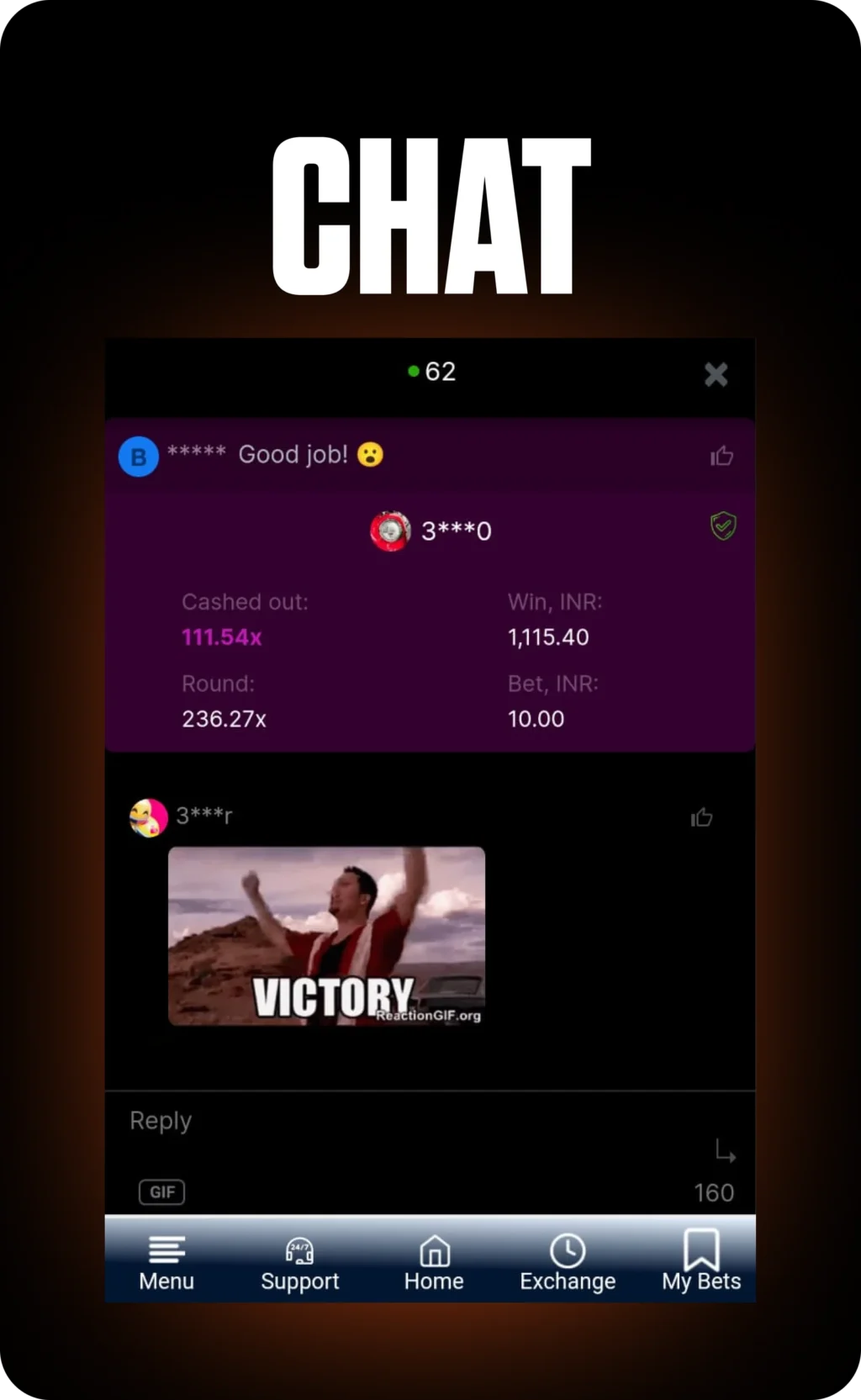
Blackjack doesn’t have the rich features of many casino games on FOMO7. However, the popular card game has many betting options and offers the opportunity to message the dealer via the Chat feature.


Download FOMO7 App for Instant Blackjack Action Anytime
The Blackjack game and its various variants are also available on the FOMO7 app. Here’s how you can download the FOMO7 app on your device:
- Go to the FOMO7 website via mobile browser and tap on Menu located on the bottom left corner of the homepage.
- Scroll down and tap on Download Android App. The file fomo7.apk will automatically start downloading on your device.
- Go to Downloads on your browser to confirm whether fomo7.apk download is completed.
- While tapping on the fomo7.apk file, a pop-up message will appear asking to install the app. Tap on Install and wait a few seconds to complete the installation of the FOMO7 app on your device.
- A pop-up message will appear confirming that the FOMO7 app has been installed on your device.